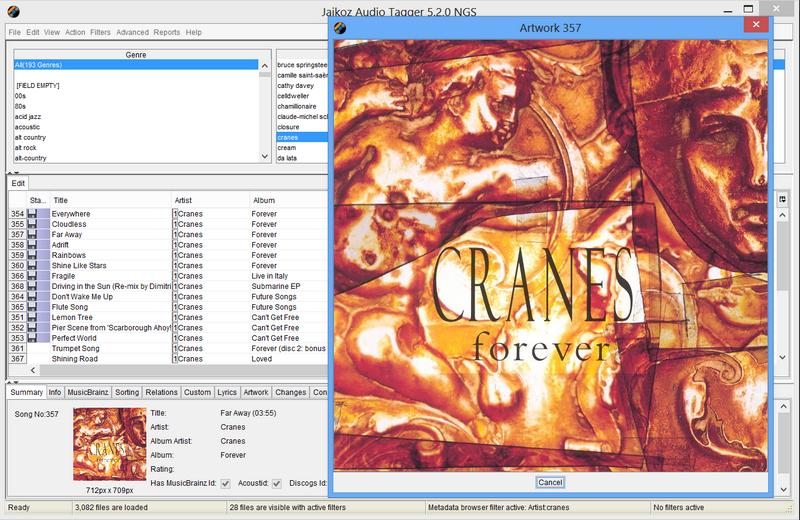
This opens a window with all the artwork of the selected files shown full size, it can be triggered by either selecting the View Artwork Full size from the Pop-up menu, or by double clicking the image shown in the Detail/Summary Tab, you can have multiple windows open at one time, if a song has multiple images each is displayed in a separate window.