-
Download the jaikoz-windows.zip file from the Website
-
Unzip the zip file and run setup.exe
-
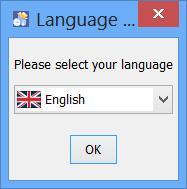
Installer provides installation in English and some other common languages

-
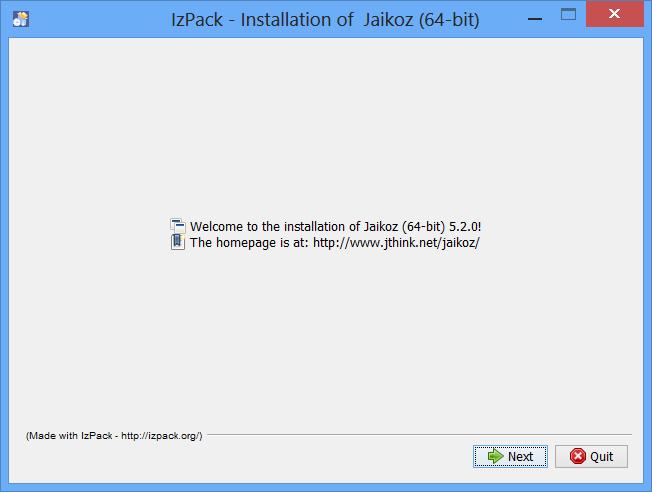
You will then see this information page
-
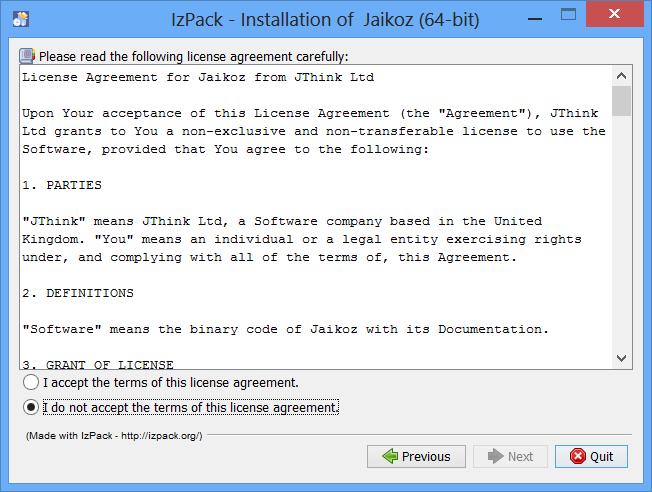
Please accept the license in order to continue installation
-
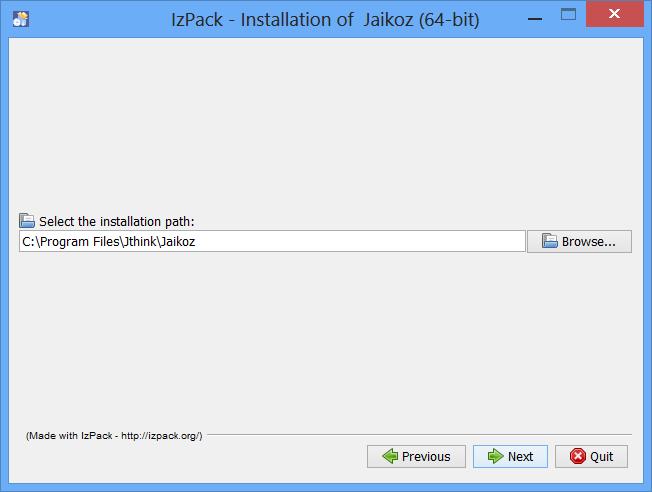
Select where you would like to install Jaikoz or accept the default.
-
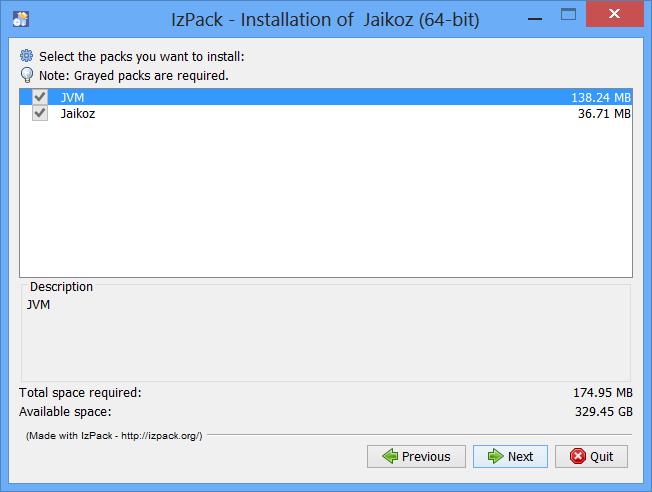
Check the details and select to 'next' to start installation.
-
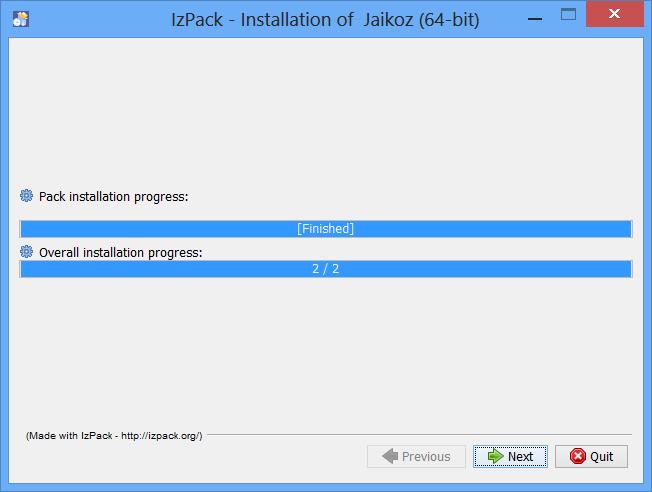
Files have now been installed
-
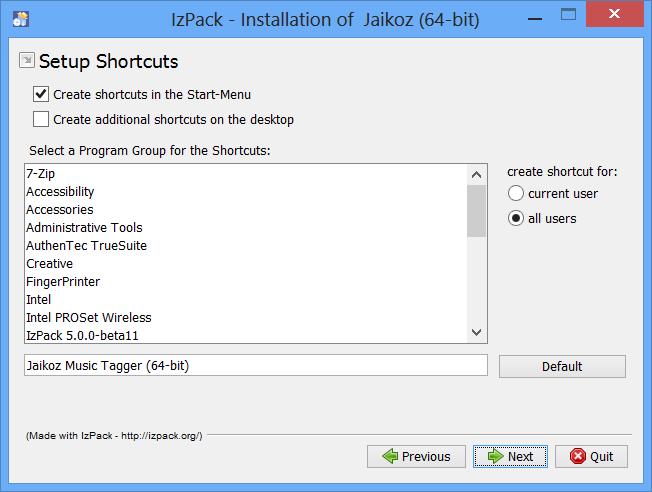
You can now elect to install shortcuts
-
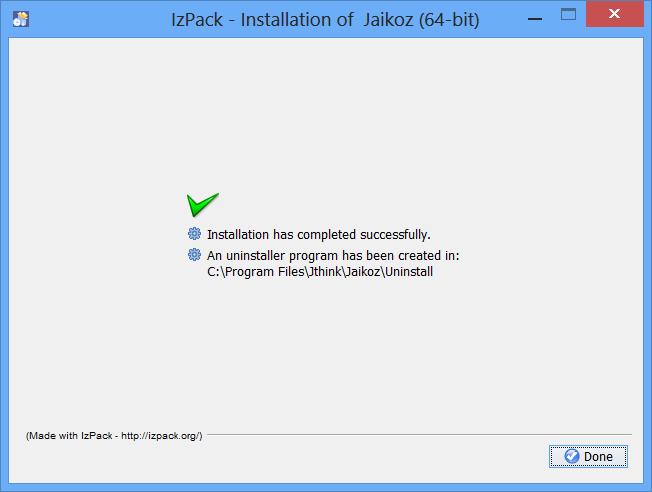
Installation has now completed, there is a delay of about 40 seconds whilst it builds an uninstaller.