|
|
|
Install Jaikoz on Windows XP
- Open the jaikoz.zip download
- Extract the jaikoz_install.exe file to a temporary folder
- Double click on the extracted jaikoz_install.exe download to start installation
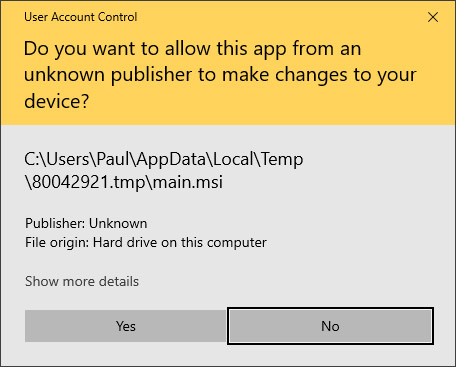
Follow the instructions within the installer
- If you do not already have Java 1.6 installed, you wil be prompted to download and automatically install it.
- Installer provides installation in English and some other common languages, choose language and select 'OK'
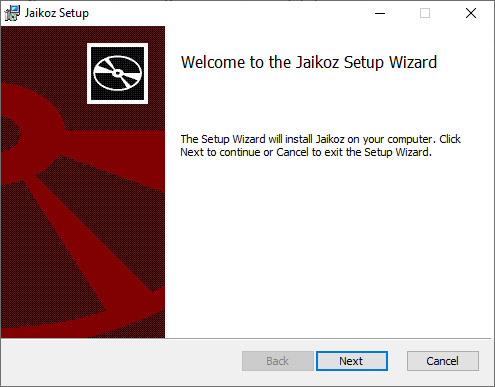
- You will then see an Information page, select 'Next'
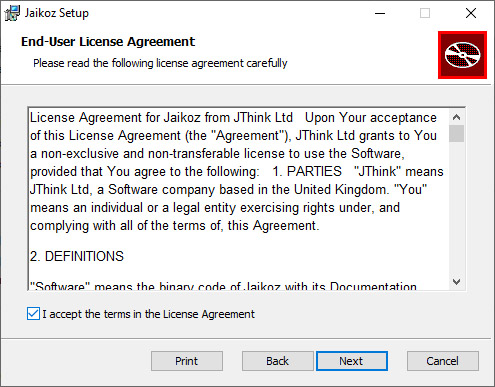
- You will then see a Licensing page, please accept the license in order to continue installation and select 'Next'
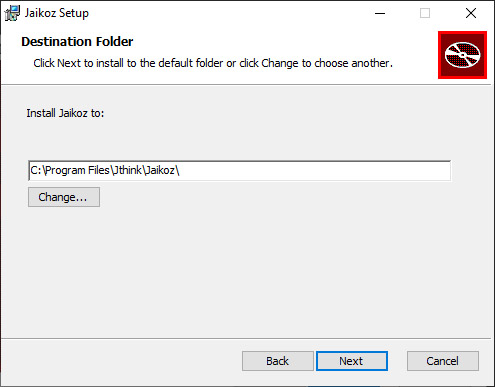
- Select where you want install Jaikoz, and select 'Next'
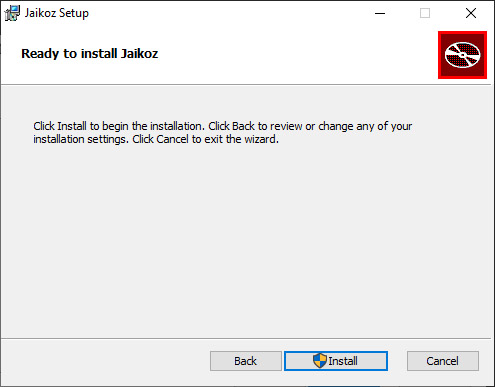
- You will then see a Summary page, select 'Next'
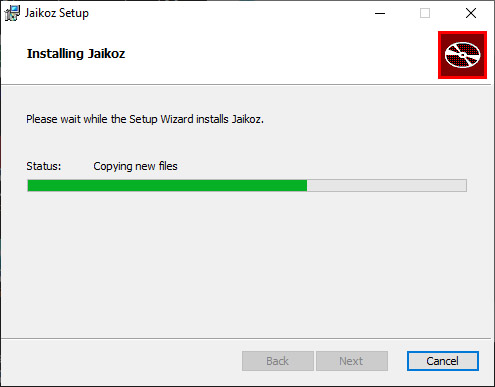
- Wait for the files to be installed, then select 'Next'
- Create the shortcut as required, then select 'Next'
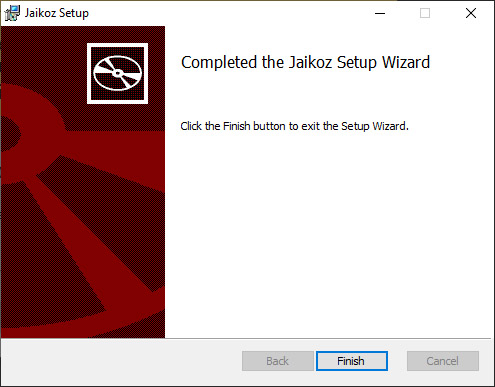
- Installation has now completed, select 'Done'
After Installation
- Select the Jaikoz shortcut to start
back
|
|
|
|