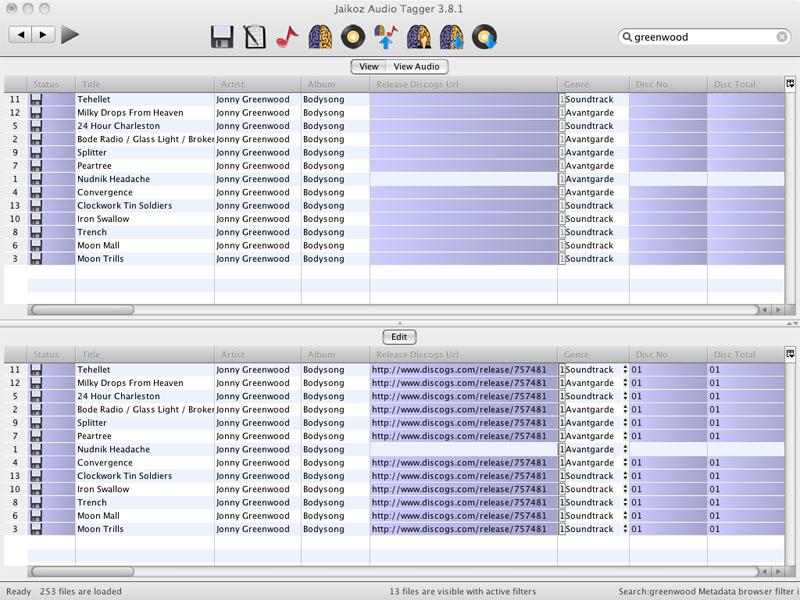
Split Screen View
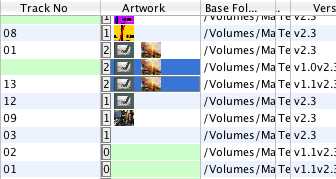
By enabling the View/Show View Pane option Jaikoz presents the user with a horizontally split view with the data currently saved in the files on the top half and any unsaved changes in the bottom half of the view.
In the main view all columns can be resized, moved and sorted. The top and bottom views are synchronised so that if you change the column ordering in the bottom view the matching columns are reordered in the top view. If you scroll down to another row the other view will also scroll down. This means you can always compare the original data to the changes you have made.
No changes are actually made until the underlying files until you elect to Save them, so at any time before that you recover the original value from the Read View or using Undo.
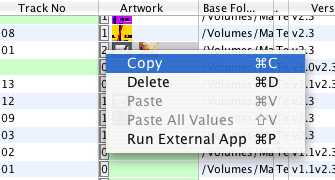
Fields can be edited, copied and pasted in a way similar to a regular spreadsheet this makes editing of data very rapid This applies to complex fields such as Album Cover Art as well
Select field to copy
Select fields to paste into
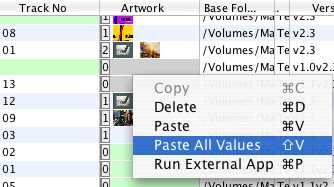
Thats it!
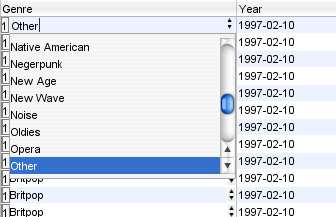
Drop down combo boxes are provided wherever possible